

ማብራሪያ
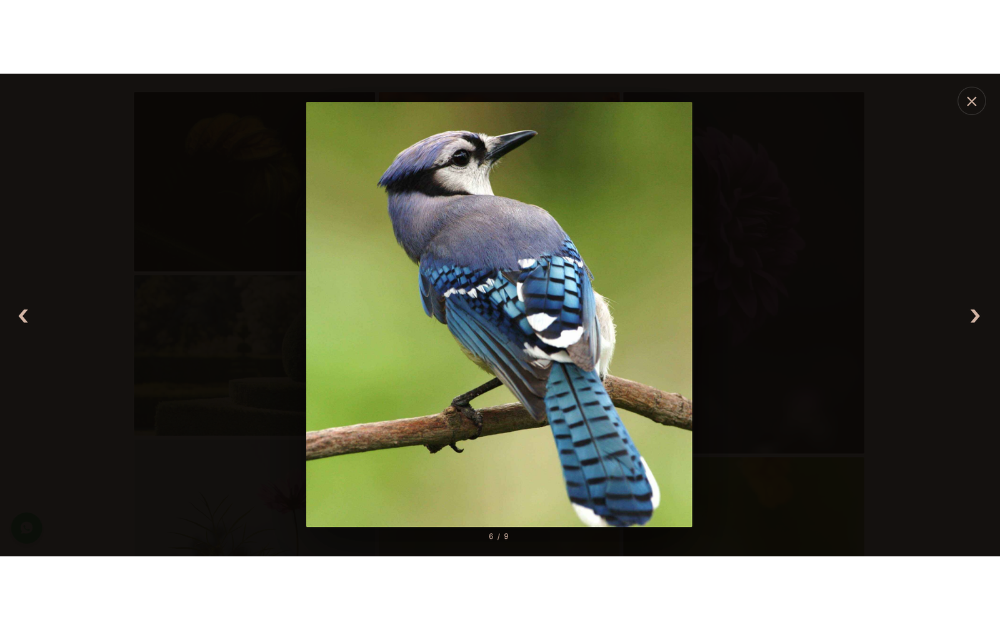
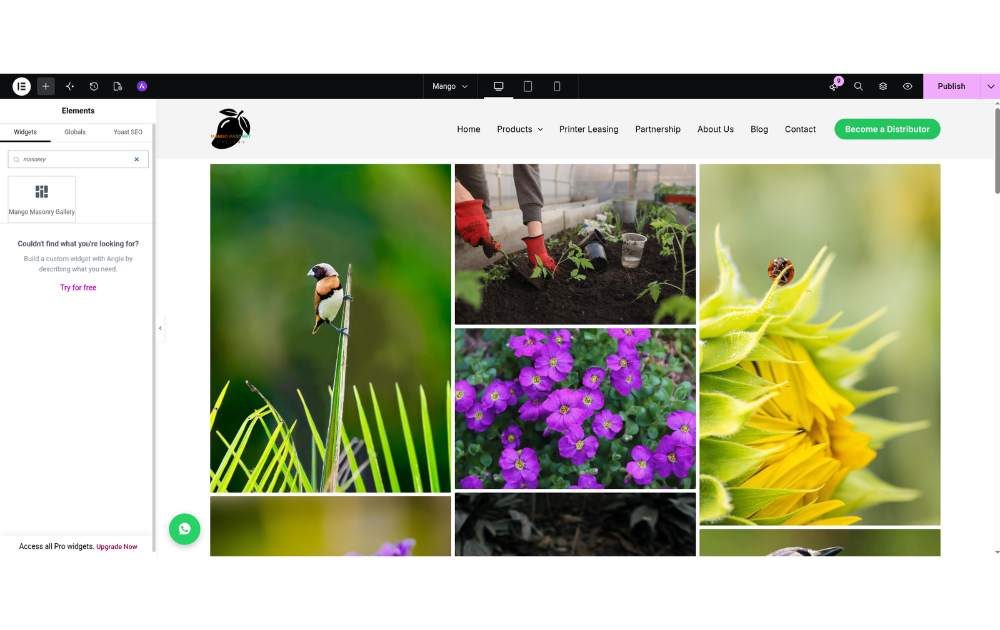
Mango Masonry Gallery adds a clean, responsive masonry gallery to your site. Images keep their natural aspect ratio and flow into columns, and clicking an image opens it in a full-screen lightbox.
Features:
- Elementor widget with a live masonry preview in the editor
- Responsive columns (1–6) for desktop, tablet and mobile
- Adjustable gap, corner radius and image size
- Full-screen lightbox with previous/next buttons, keyboard navigation (, , Esc) and an image counter
- Custom hover overlay, lightbox accent and lightbox background colors
- Accessible: keyboard-focusable images, ARIA labels, focus is returned after closing the lightbox
- No jQuery and no external libraries; CSS and JS load only on pages that show a gallery
- Works without Elementor through the
[mango_masonry_gallery]shortcode
Shortcode
[mango_masonry_gallery ids="12,34,56" columns="3"]
Available attributes:
ids– comma-separated attachment IDs (required)columns– desktop columns, 1–6 (default 3)columns_tablet– tablet columns (default: 2, or fewer ifcolumnsis lower)columns_mobile– mobile columns (default 1)gap– space between images, e.g.20px(default7px)radius– image corner radius, e.g.4px(default2px)size– registered image size used in the grid (defaultlarge)overlay– hover overlay color (defaultrgba(20,20,20,0.45))accent– lightbox controls color (default#d4b5a5)lightbox_bg– lightbox background color (defaultrgba(10,7,5,0.96))
Screenshots

መጫን
- Upload the
mango-masonry-galleryfolder to/wp-content/plugins/, or install it from the Plugins screen. - Activate the plugin.
- In Elementor, search for “Mango Masonry Gallery” in the widgets panel and drag it onto the page. Or use the shortcode in any post or page.
የተለመዱ ጥያቄዎች
-
Do I need Elementor?
-
No. The Elementor widget is only registered when Elementor is active. Without it, use the
[mango_masonry_gallery]shortcode. -
Why doesn’t the lightbox open in the Elementor editor?
-
Clicks in the editor are used to select and edit the widget, so the lightbox is disabled there. Preview or view the page to try it.
-
In which order are images shown?
-
Images flow top to bottom in each column, then on to the next column.
Reviews
There are no reviews for this plugin.
Contributors & Developers
“Mango Masonry Gallery for Elementor” is open source software. The following people have contributed to this plugin.
Contributors
Translate “Mango Masonry Gallery for Elementor” into your language.
Interested in development?
Browse the code, check out the SVN repository, or subscribe to the development log by RSS.
Changelog
1.0.0
- Initial release.