
ማብራሪያ
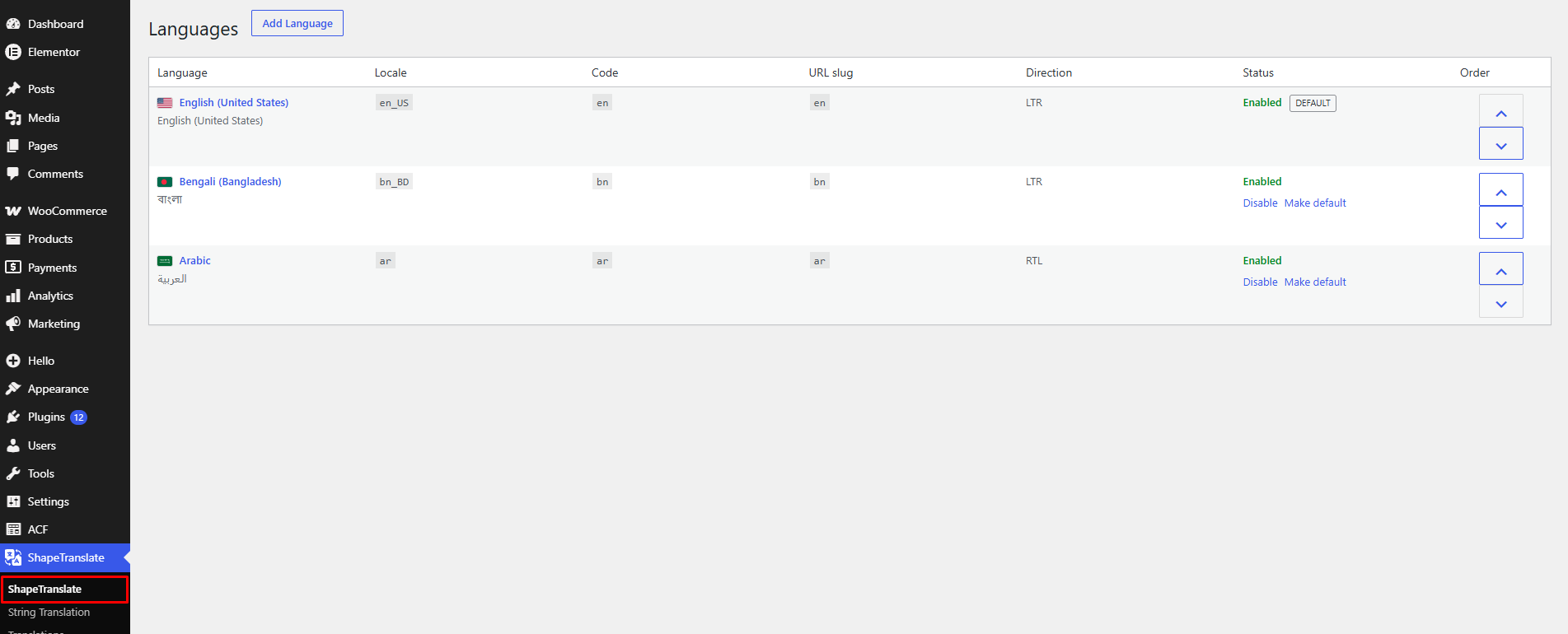
ShapeTranslate is a lightweight multilingual foundation for WordPress with manual translation workflows, language management, language switchers, multilingual navigation, frontend language routing, and multilingual SEO.
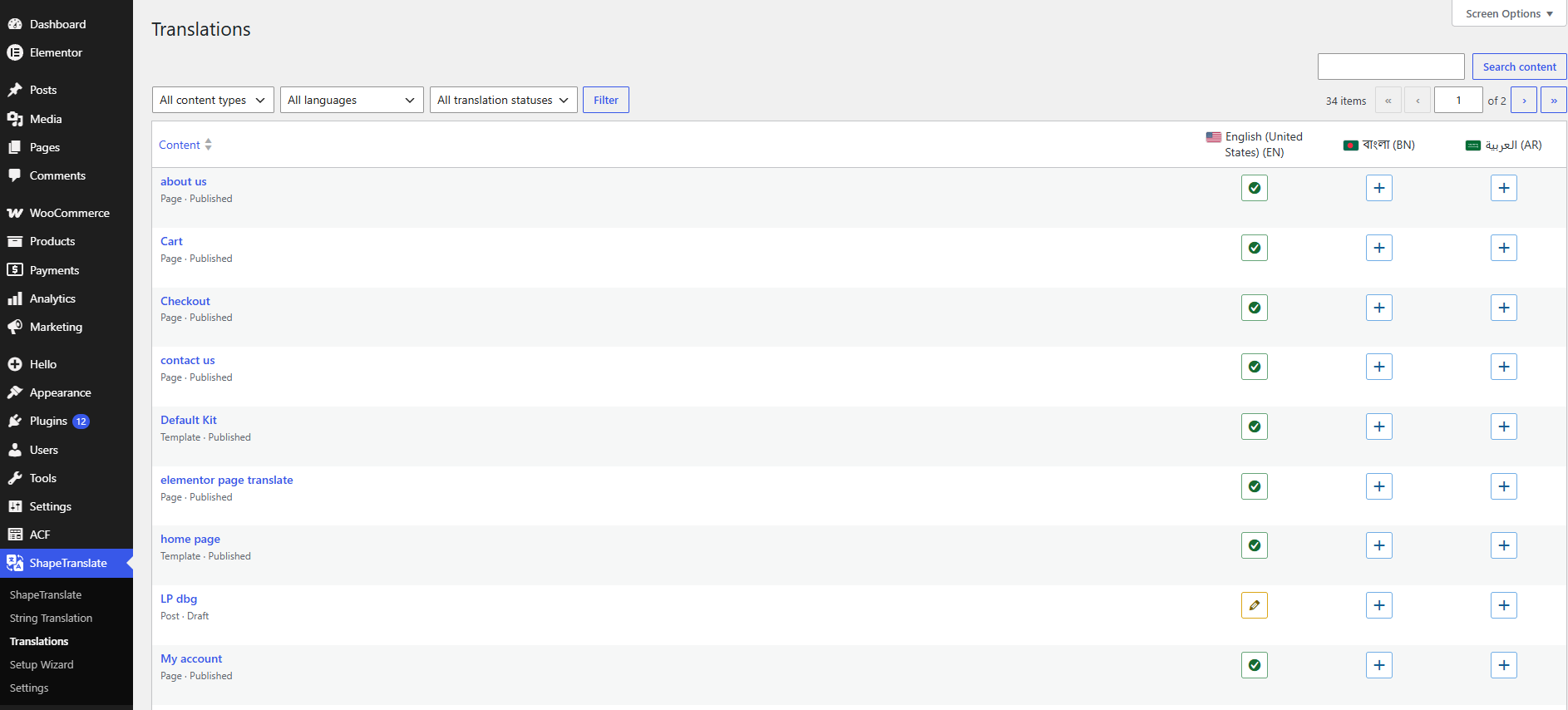
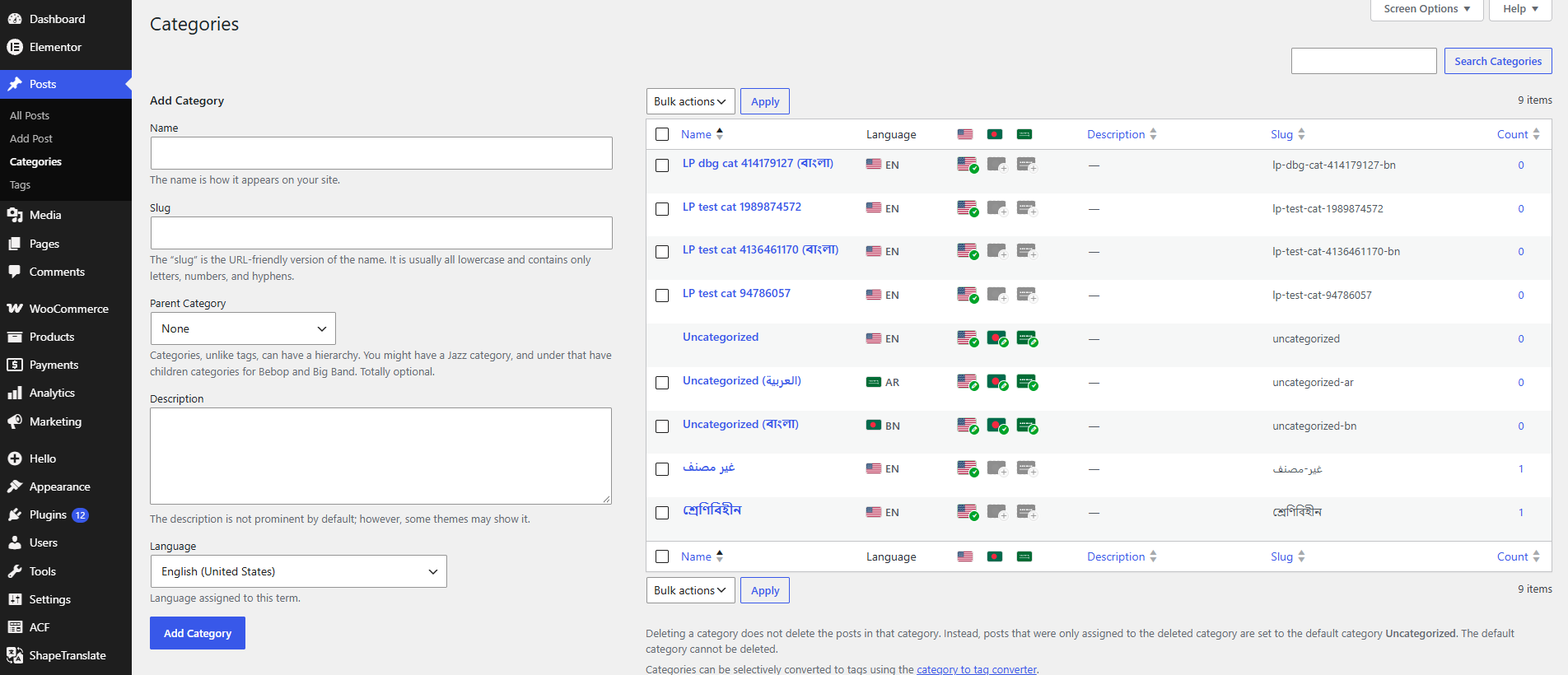
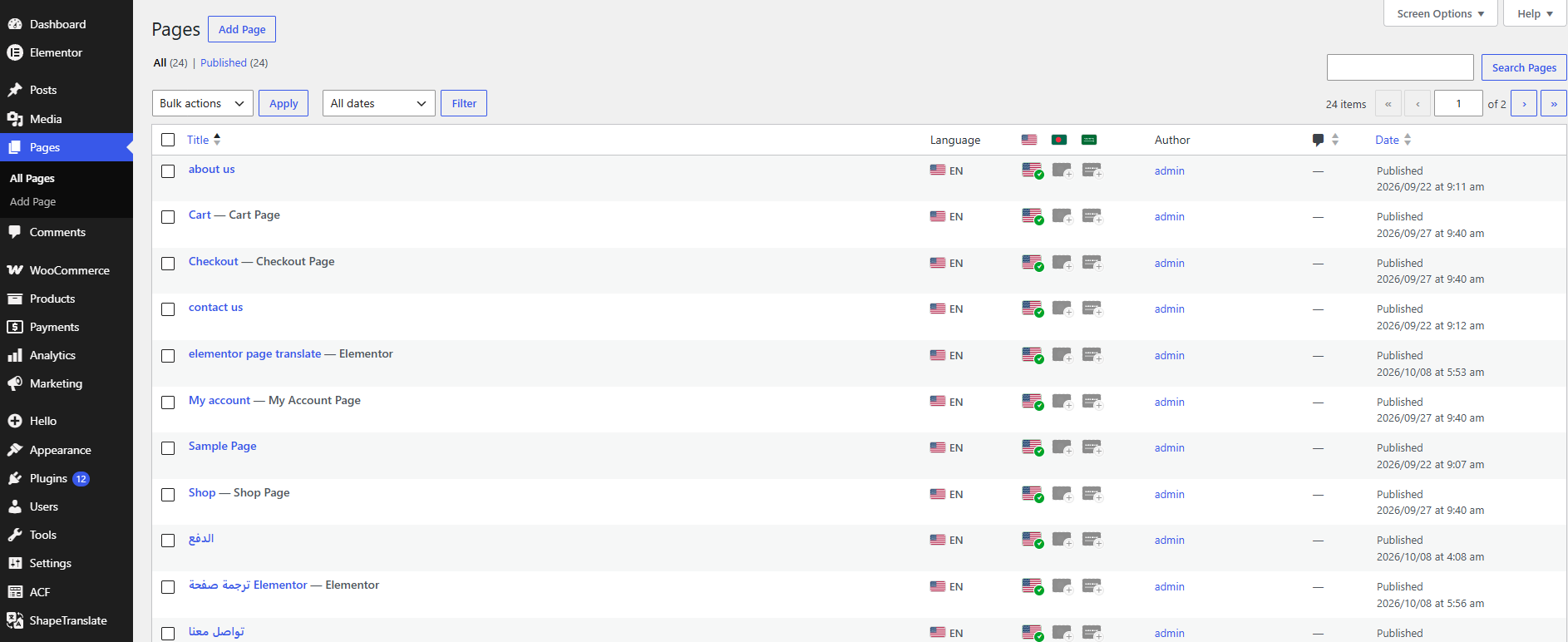
It supports posts, pages, public custom post types, taxonomies, synced patterns, block theme templates and template parts, Elementor pages, Theme Builder templates, popups, and popular Elementor header and footer builders.
Translations start with a copy of the source content, taxonomies, public custom fields, featured image, page template, and other core post data. Optional synchronization lets you keep selected data shared between translations.
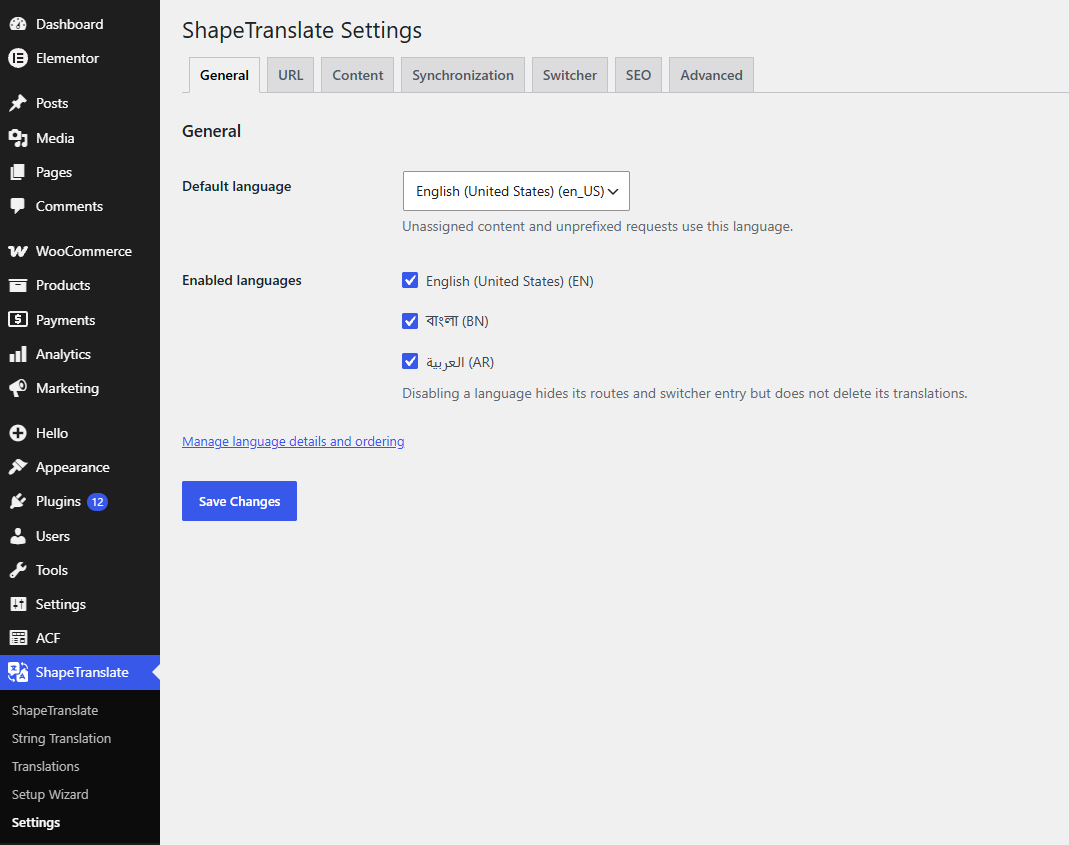
ShapeTranslate supports directory, subdomain, separate-domain, and query-parameter language URLs, optional browser language detection, translated media metadata, hreflang, x-default, multilingual sitemaps, and compatibility with Yoast SEO, Rank Math, and SEOPress.
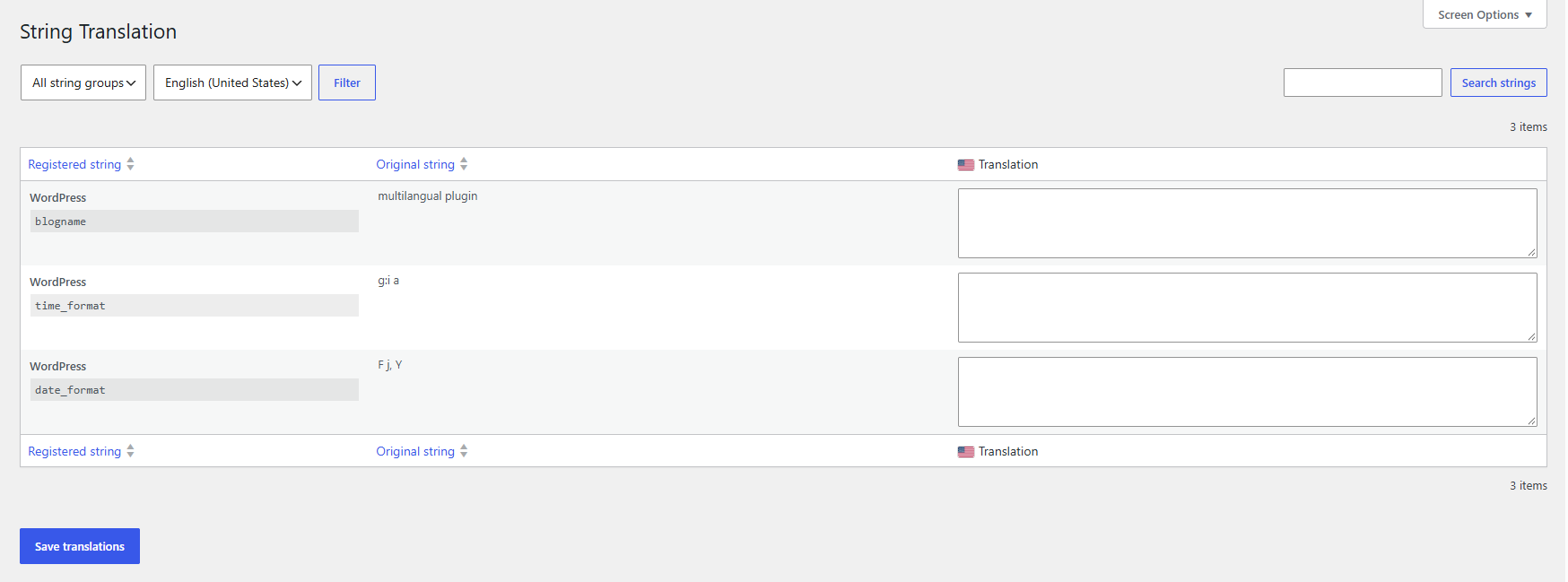
This free version focuses on manual translation and does not include automated translation, WooCommerce-specific translation handling, arbitrary custom-field value translation, advanced translated schema or slugs, Elementor widget-setting translation, dynamic-tag translation, forms translation, or other addon-specific translation features.
Screenshots
Blocks
This plugin provides 2 blocks.
- Language Switcher Display links to available ShapeTranslate languages.
- Language Switcher Add language links to a Navigation block.
መጫን
- Upload the
shapetranslatefolder to/wp-content/plugins/. - Activate ShapeTranslate through the Plugins screen.
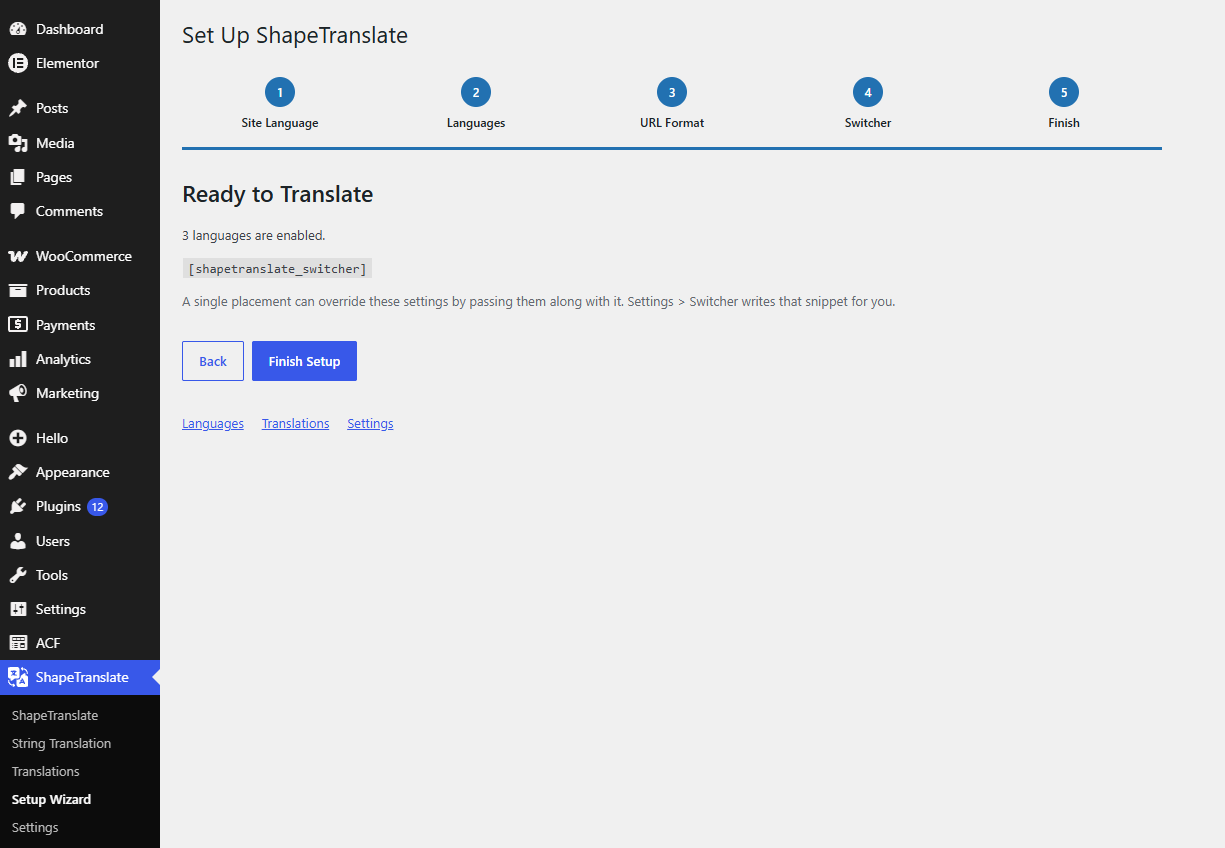
- Complete the ShapeTranslate setup screen that opens after activation.
የተለመዱ ጥያቄዎች
-
Does ShapeTranslate translate my content automatically?
-
No. ShapeTranslate is a manual translation plugin. When you create a translation it copies the source content, taxonomies, public custom fields, featured image, and page template into a new draft in the target language, so you translate on top of the original instead of starting from an empty screen.
-
How are language URLs built?
-
You choose the URL format in the settings. You can use a directory prefix (
example.com/fr/), a subdomain (fr.example.com), a separate domain per language, or a query parameter (?lang=fr). You can also hide the prefix for the default language. Browser language detection is available and is turned off by default. -
Does it work with my theme and page builder?
-
ShapeTranslate works with classic and block themes. In block themes, templates and template parts such as the header and footer can be translated per language from the Site Editor. Elementor pages and the header and footer builders of Elementor Pro, Elementor Header & Footer Builder, Essential Addons, ElementsKit, Element Pack, Happy Elementor Addons for Elementor are supported.
-
How do I add a language switcher?
-
Use the Language Switcher block, the Language Switcher item inside the Navigation block, the classic widget, a menu item in Appearance > Menus, the Elementor widget, or the floating switcher. Theme developers can call
shapetranslate_language_switcher()in a template. -
Is ShapeTranslate SEO friendly?
-
Yes. Each language has its own URL, and ShapeTranslate outputs
hreflanglinks with anx-default, sets the correctlangattribute, and adds translations to the sitemaps. It works with Yoast SEO, Rank Math, and SEOPress. -
Does it work with caching plugins?
-
Yes. Every language is served from its own URL, so each one is cached as a separate page. On cached pages the language cookie is written in the browser, so visitors are not served another visitor’s language.
Reviews
There are no reviews for this plugin.
Contributors & Developers
“ShapeTranslate” is open source software. The following people have contributed to this plugin.
Contributors
Translate “ShapeTranslate” into your language.
Interested in development?
Browse the code, check out the SVN repository, or subscribe to the development log by RSS.
Changelog
1.0.0
- Initial release.