

ማብራሪያ
ShareMyPost is a lightweight and easy-to-use WordPress social sharing plugin. Add beautiful inline share buttons above or below your content. With 20+ built-in social networks and customization options, ShareMyPost helps you increase engagement and drive traffic to your content.
You can find our official documentation at https://sharemypost.net/docs. For premium support, visit our Support Ticket System at https://softaculous.deskuss.com
Home Page | Support | Documents
ShareMyPost Free Features
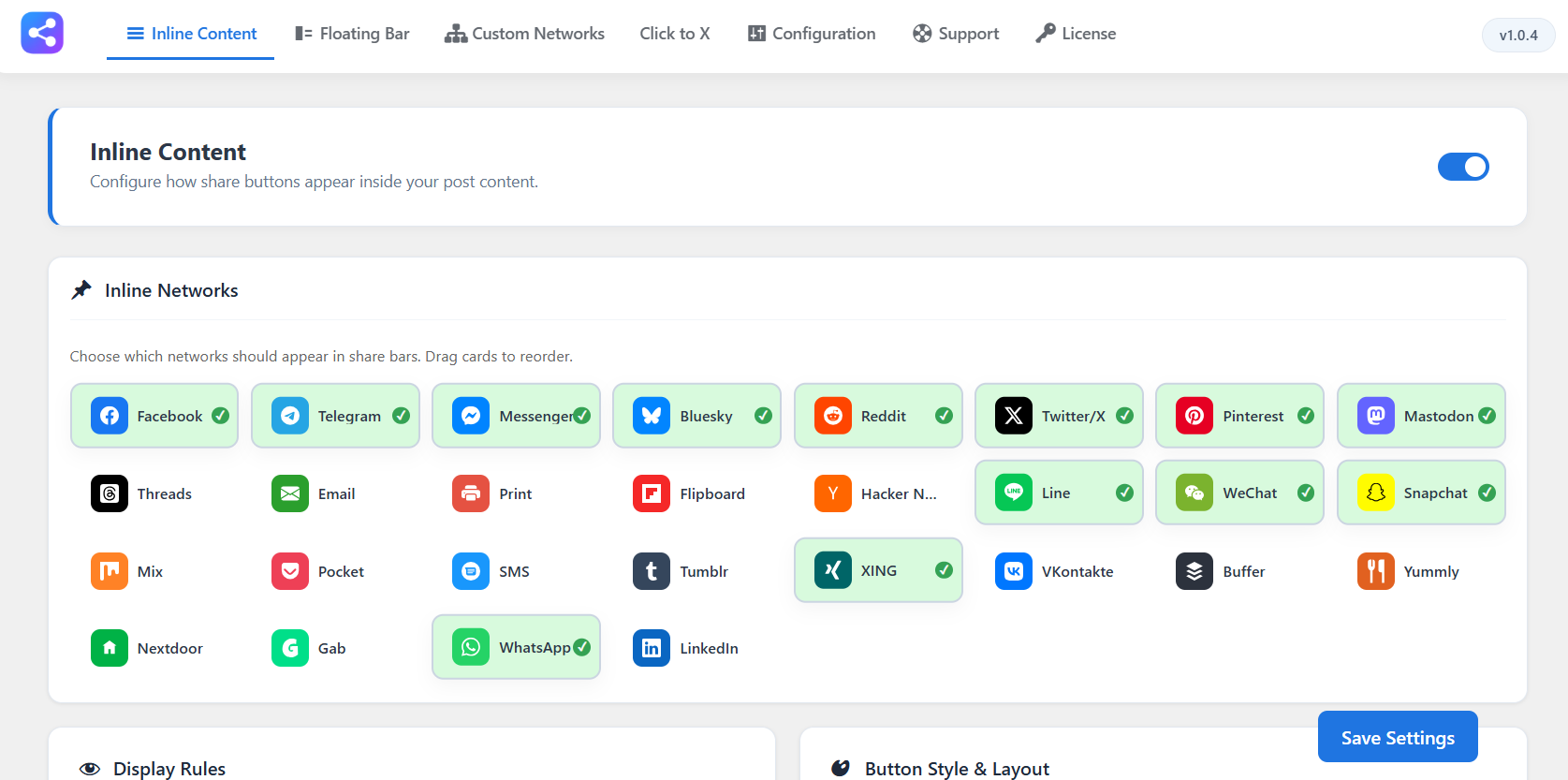
- Inline Share Buttons – Display share buttons above, below, or both above and below your post content.
- 20+ Social Networks – Facebook, Twitter/X, LinkedIn, Pinterest, WhatsApp, Telegram, Reddit, Mastodon, Bluesky, Threads, Email, Print, and many more.
- SVG Network Icons – Crisp, scalable vector icons for every supported network.
- Display Mode Options – Show icons only, labels only, or both icons and labels on share buttons.
- Color Customization – Use original brand colors or set a custom color for all buttons.
- Per Post-Type Control – Choose which post types display share buttons (posts, pages, custom post types).
- Mobile Visibility – Toggle share buttons on or off for mobile devices.
- Drag-and-Drop Network Ordering – Control the order in which networks appear in your share bars by dragging cards in settings.
Upgrade to ShareMyPost PRO for More Power
Unlock advanced capabilities with ShareMyPost PRO, such as:
- Floating Share Bar – A sticky side bar that follows users as they scroll, positioned on the left or right.
- Universal Share Button – A single button that opens a modal popup with all sharing options.
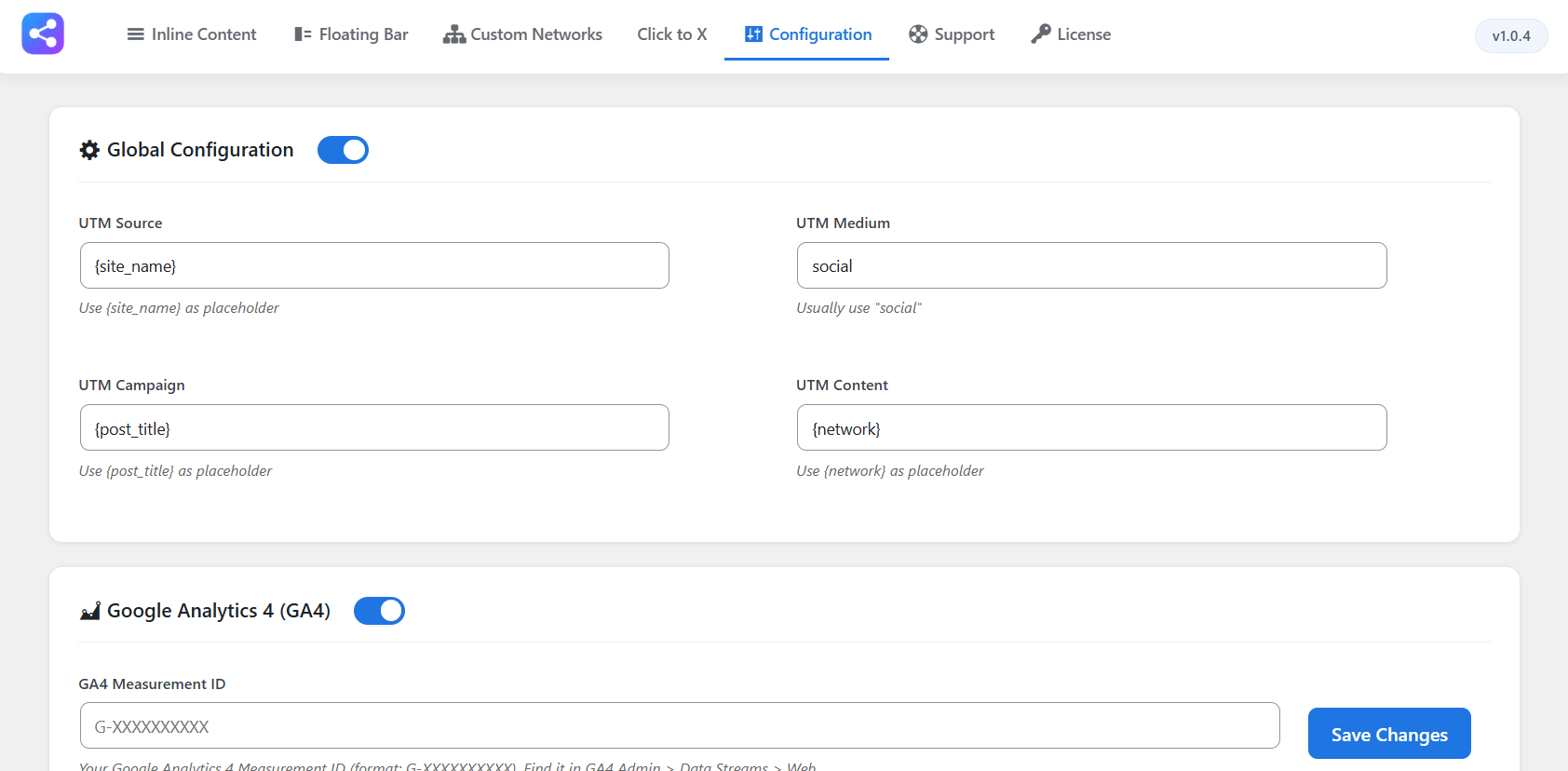
- UTM Tracking – Automatically add UTM parameters to shared URLs with dynamic placeholders for site name, post title, and network.
- Google Analytics 4 Integration – Track share events directly in GA4 using your Measurement ID.
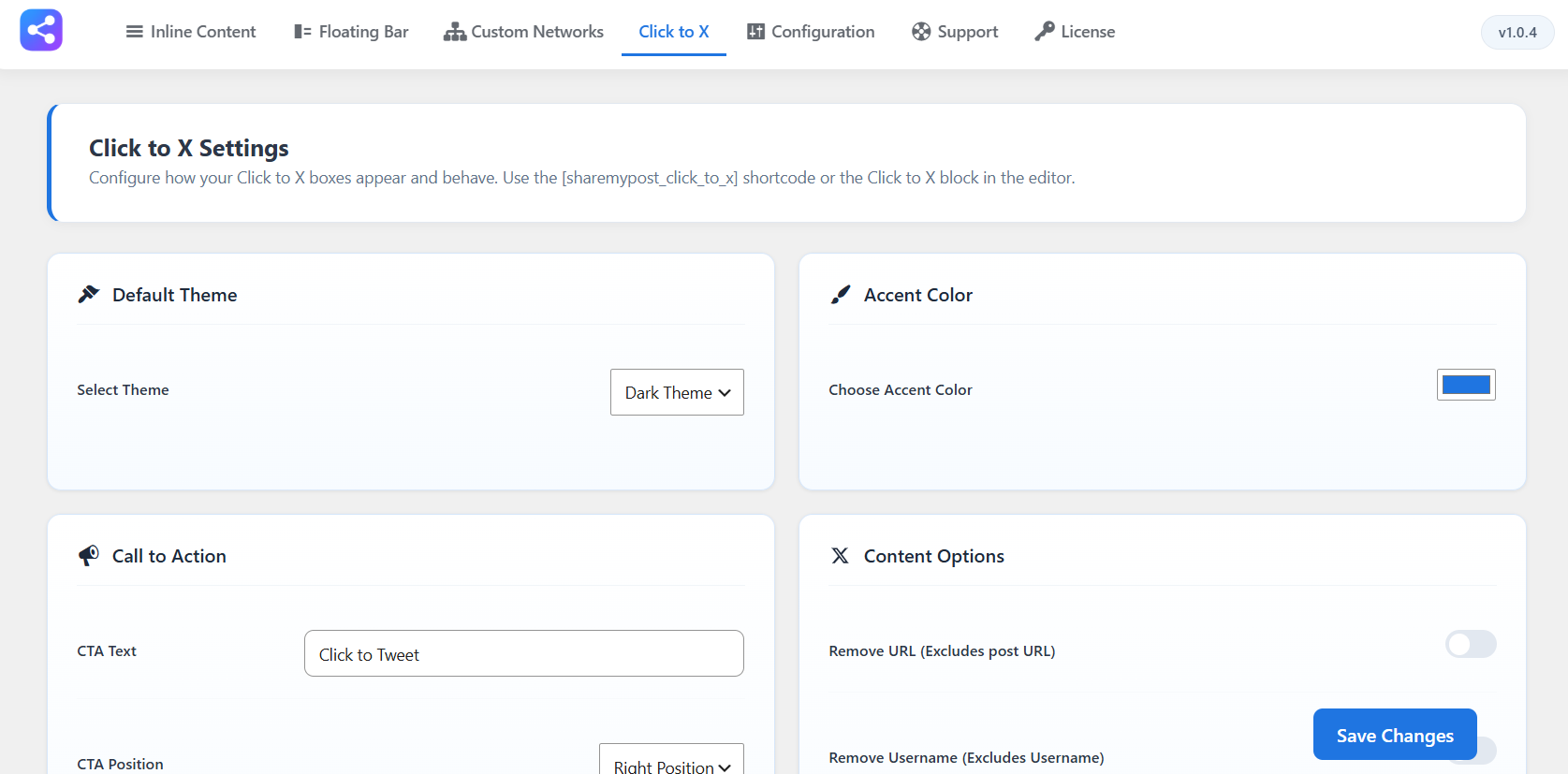
- Click to Tweet / X Shortcode – Add styled quote boxes with
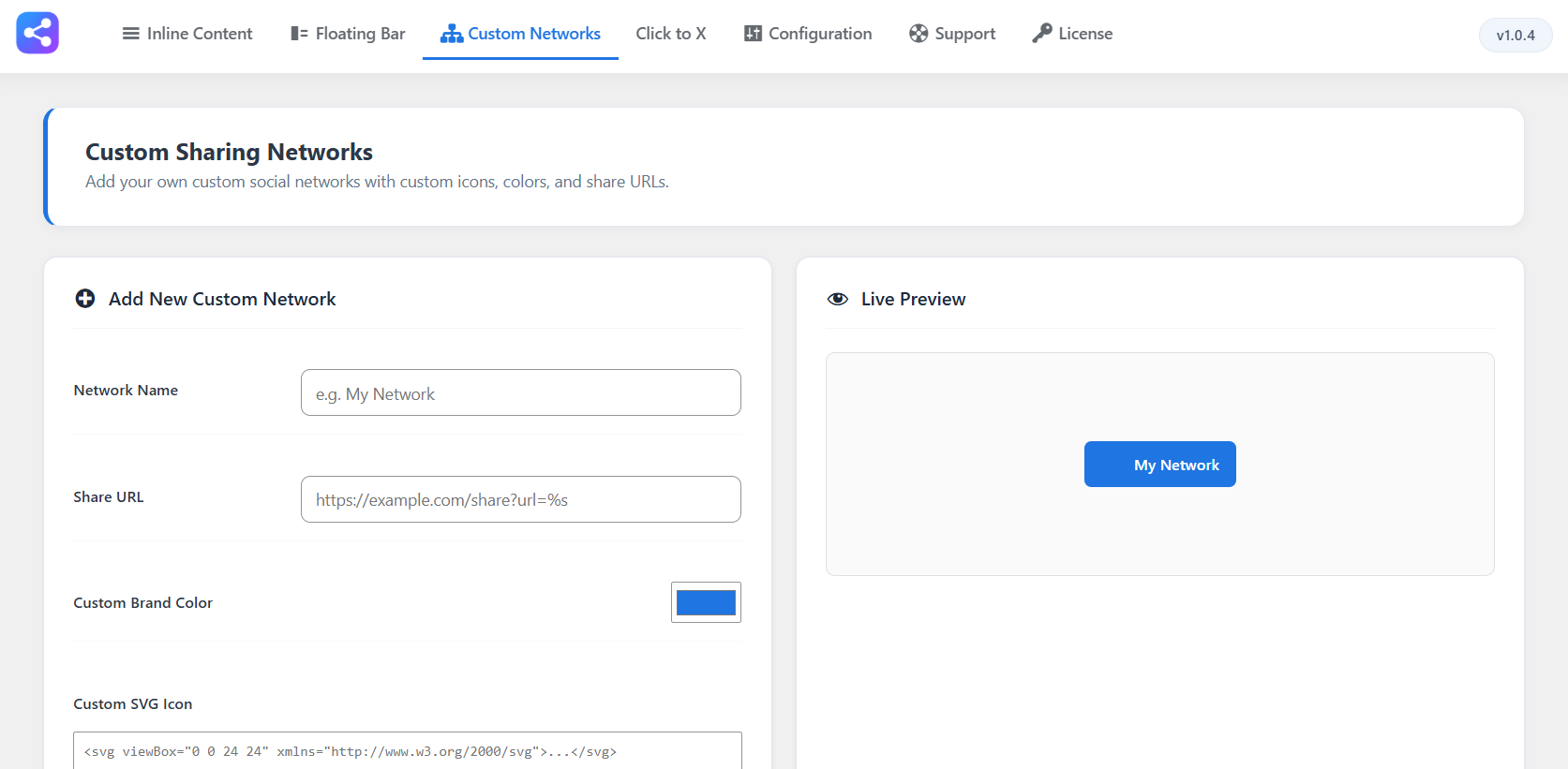
[sharemypost_click_to_x]to encourage Twitter/X shares. - Custom Sharing Networks – Add your own networks with custom SVG icons, brand colors, and share URLs.
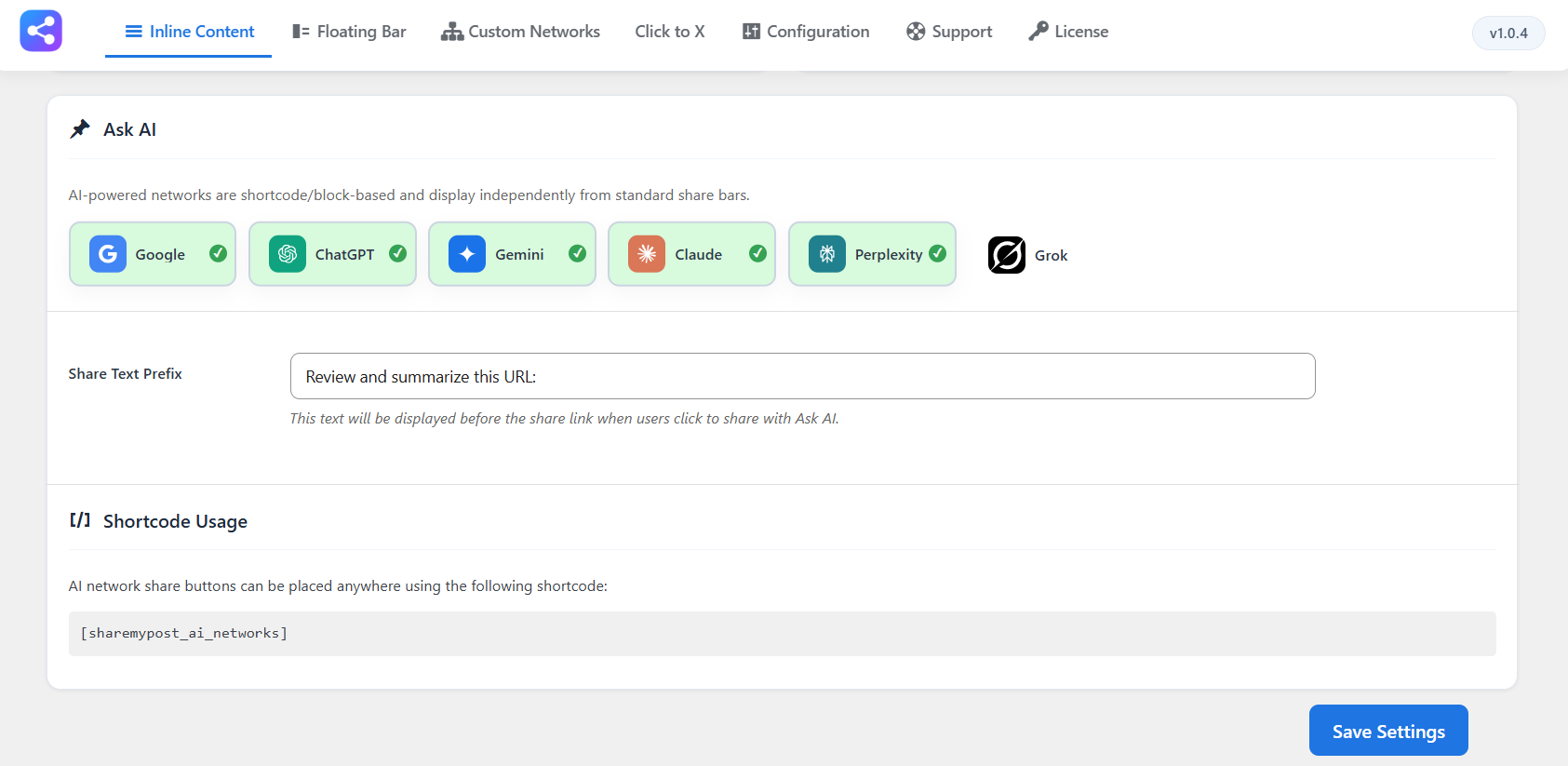
- AI-Powered Networks – Enable sharing to ChatGPT, Gemini, Claude, Google, Perplexity, and Grok via
[sharemypost_ai_networks]. - 6 Button Shapes – Choose from square, rounded, pill, circle, ribbon, or drop shapes.
- 5 Button Styles – Select from filled, outline, minimal, dashed, or glass styles.
- Adjustable Button Size & Spacing – Fine-tune button dimensions and the gap between buttons.
- Custom CTA Text – Add custom call-to-action text below your share bars.
Why Use ShareMyPost?
- Boost social engagement with prominent share buttons on your content
- Increase page views and social traffic with one-click sharing
- Track sharing performance with built-in GA4 and UTM support
- Lightweight and optimized — minimal impact on page load times
- Easy setup with intuitive WordPress admin dashboard
Shortcodes
ShareMyPost Pro provides the following shortcodes:
Click to Tweet:
[sharemypost_click_to_x tweet=”Your tweet text here”]
Parameters: cta_text, cta_position (left/right), theme (light/dark/gray), accent_color, remove_url, remove_username, hide_hashtags
Ask AI:
[sharemypost_ai_networks]
Displays AI-powered share buttons for ChatGPT, Gemini, Claude, Google, Perplexity, and Grok.
External Services
This plugin relies on the following third-party / external service to perform sharing functionality:
Social Network Share Links
– The plugin uses public share endpoints for all 30+ social networks (Facebook, Twitter/X, LinkedIn, etc.)
– These are client-side redirects only — no data is sent to the plugin developers
– Users complete the share action directly on each social platform
– Review each network’s privacy policy for their data handling practices
Nextdoor Sharing Service
– What it is: A sharing utility provided by Nextdoor (https://nextdoor.com) that allows users to post links to their Nextdoor community boards.
– What it is used for: Allowing website visitors to validate and share the current post or page URL on Nextdoor.
– What data is sent and when: When a visitor clicks the Nextdoor share button, they are redirected to Nextdoor’s validate-share endpoint, which transmits the URL of the shared page. No personal or telemetry data is sent.
– Links: Nextdoor Terms of Service and Nextdoor Privacy Policy.
For all other social networks, this plugin uses client-side redirects to their public share endpoints, where users complete the share action directly on the respective platforms. No data is sent to the plugin developers.
Start Using ShareMyPost
Install ShareMyPost today to add beautiful social sharing buttons to your WordPress site and make it easy for visitors to share your content.
Screenshots
መጫን
Manual Installation
1. Download the plugin ZIP file
2. Go to Plugins Add New Upload Plugin
3. Upload sharemypost.zip
4. Install and activate the plugin
የተለመዱ ጥያቄዎች
-
Can I customize which networks appear?
-
Yes. You can individually enable or disable each network for both inline and floating bars in the settings.
-
Yes. Inline buttons can be placed above, below, or on both sides of your content. Floating bars can be positioned on the left or right side of the page.
-
Yes. ShareMyPost works with all standard WordPress themes and includes responsive design support.
-
Yes. You can enable share buttons on any public post type, including custom post types.
-
Yes. The Pro version offers GA4 integration and UTM tracking to monitor share activity and campaign performance.
Reviews
There are no reviews for this plugin.
Contributors & Developers
“ShareMyPost” is open source software. The following people have contributed to this plugin.
Contributors
Translate “ShareMyPost” into your language.
Interested in development?
Browse the code, check out the SVN repository, or subscribe to the development log by RSS.
Changelog
1.0.5
- [Bug-Fix] Fixed minor issues and improvements.
1.0.4
- [Task] Code refactoring.
1.0.3
- [Task] Code refactoring.
1.0.2
- [Task] Code refactoring.
1.0.1
- [Task] Code refactoring.
1.0.0
- Initial release.